
Download jv16 PowerTools – PC Optimization, Registry Cleaner, System Maintenance
Overview
Designed for users seeking a comprehensive solution to maintain their computer’s performance, jv16 PowerTools delivers a suite of utilities focused on system optimization, software management, and digital hygiene. The application is tailored for individuals and professionals who rely on stable, fast, and secure computing environments. Its core purpose lies in helping users identify and resolve system inefficiencies, such as cluttered storage, outdated registry entries, and unnecessary software installations. By streamlining these elements, jv16 PowerTools aims to enhance system responsiveness and longevity.
Real-world use cases include routine maintenance for home users managing personal devices, IT professionals overseeing multiple systems, and power users who require fine-grained control over their software and registry settings. The app is particularly useful for those experiencing slowdowns or performance degradation over time. While the developer did not provide additional technical details about the development background, the tool’s functionality aligns with established practices in system optimization software.
Within the broader app ecosystem, jv16 PowerTools occupies a niche for advanced users who prefer granular control over system maintenance rather than relying on automated, one-size-fits-all solutions. Its focus on manual oversight ensures users remain in control of changes, reducing the risk of unintended system modifications. The release date of March 31, 2023, indicates a relatively recent update, suggesting ongoing development and support.
Key Features & Functionality
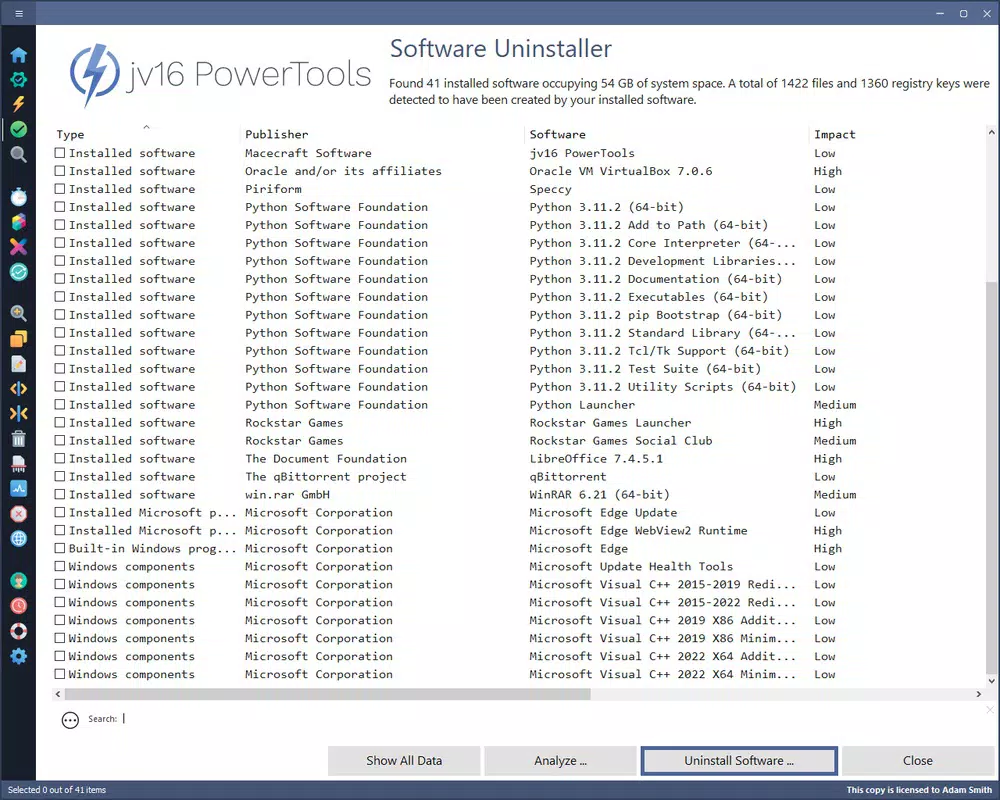
- Program Management: Allows users to install new software and completely uninstall applications that are no longer needed. This feature helps reduce system clutter and frees up disk space, improving overall system performance.
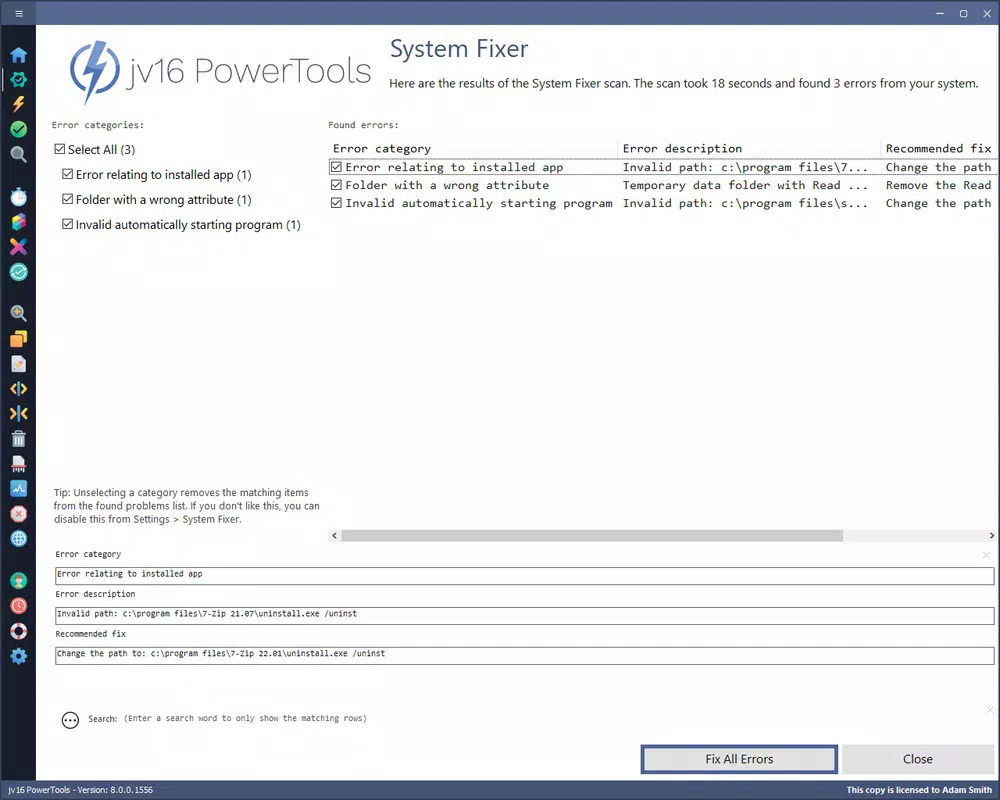
- Registry Management: Offers tools to search for, review, and remove problematic or obsolete entries in the Windows Registry. This can help resolve system errors and improve stability, especially after software removal.
- Advanced File Search: Enables quick and precise file location across the system, including hidden or system-level files. This is beneficial for users needing to retrieve specific documents or troubleshoot file-related issues.
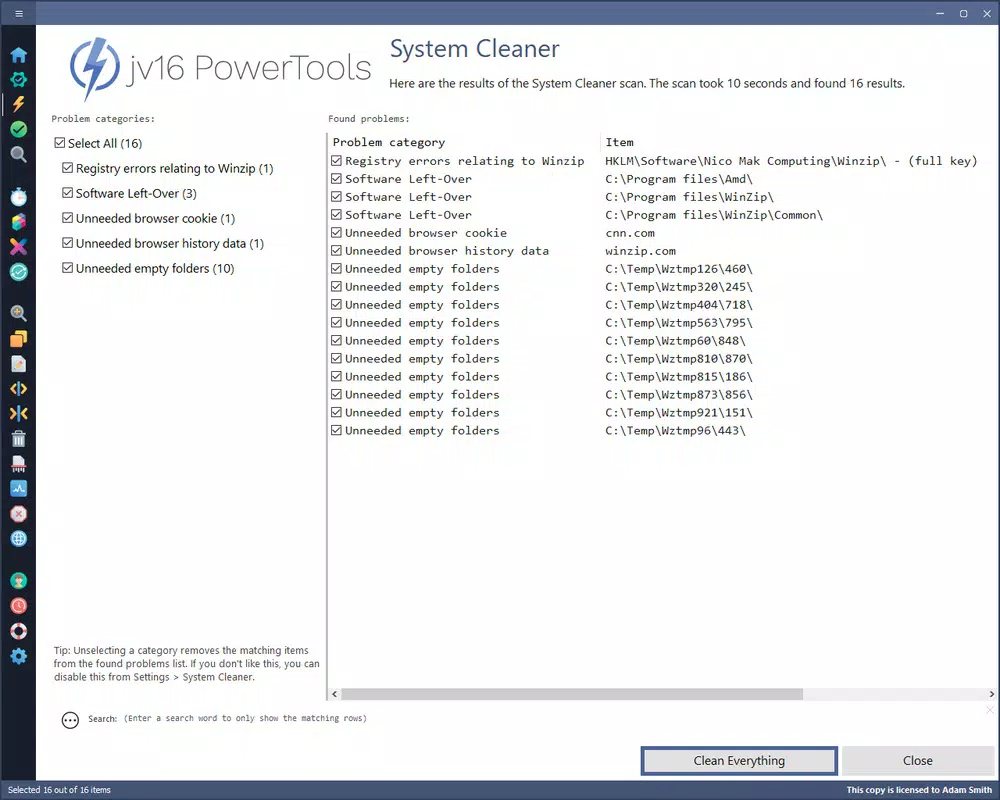
- Cleaning Tools: Removes temporary files, cookies, and other unnecessary data that accumulate over time. Regular use contributes to improved system speed and enhanced privacy by eliminating traces of browsing activity.
- Security Enhancements: By managing installed software and cleaning obsolete files, the tool helps reduce potential attack surfaces. This supports a more secure computing environment by minimizing vulnerabilities associated with outdated or unused programs.
For example, a user experiencing slow boot times may use the Registry Management feature to remove invalid entries. A professional managing multiple projects could leverage the Advanced File Search to locate a specific document across different drives without manual navigation. These practical applications demonstrate how each feature serves a real-world need, particularly for users who value control and transparency in system maintenance.
Interface, UX & Performance
The interface of jv16 PowerTools appears designed with functionality in mind, prioritizing access to core tools over flashy visuals. Users are presented with a clean, organized layout that groups related features into logical sections, facilitating efficient navigation. The visual style is minimalistic, relying on clear icons and text labels to guide users through each task.
Navigation flows intuitively, allowing users to move between tools such as Program Management, Registry Cleaner, and File Search with minimal effort. The application is structured to support both novice and experienced users, though the depth of functionality suggests a preference for users comfortable with technical system operations.
Although the developer did not list formal performance metrics, the tool is designed to operate efficiently without imposing significant overhead on system resources. It is expected to run smoothly on standard desktop configurations, with responsiveness maintained during file searches and registry scans. Stability appears to be a focus, as the application includes safeguards to prevent accidental deletion of critical system components. However, specific compatibility details and performance benchmarks were not disclosed.
Platform Compatibility & Technical Requirements
jv16 PowerTools is designed for Windows-based systems, as indicated by its registry and system-level management features. The application is compatible with the latest versions of Windows, though specific OS requirements were not listed. The file size is provided as part of the app’s metadata, though exact details were not disclosed.
Users should verify compatibility with their specific Windows version before installation. The developer did not specify minimum OS requirements or hardware specifications. As such, it is recommended to consult official sources for up-to-date compatibility information. The tool is not available on mobile platforms, as its functionality is inherently tied to desktop operating systems.
Pros and Cons
Pros
- Comprehensive suite of system maintenance tools
- Granular control over software and registry management
- Advanced file search functionality for efficient navigation
- Supports privacy and security through cleaning and software management
- Designed for users who prefer manual oversight over automated processes
Cons
- Requires technical knowledge for safe operation
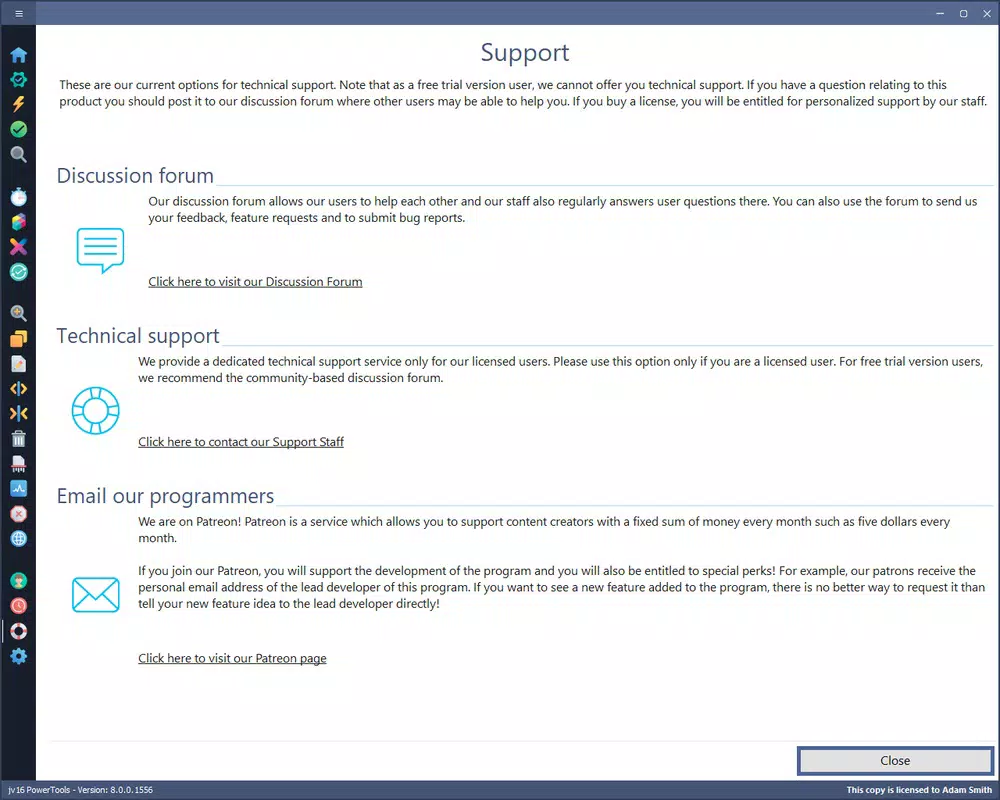
- Limited documentation or guidance for beginners
- Specific system requirements were not disclosed
- Not available on mobile platforms
- Manual deletion of items may risk system instability if not used carefully
FAQ
Is jv16 PowerTools safe to use?
Yes, when used responsibly. The tool includes safeguards to prevent accidental deletion of critical system files. However, users should exercise caution when modifying the registry or removing software.
Can I update jv16 PowerTools automatically?
Automatic update functionality was not specified. Users should check the official website for the latest version and manual update instructions.
Does jv16 PowerTools work on Windows 10 and 11?
Based on its system-level features, it is designed for Windows, but specific compatibility with Windows 10 and 11 was not confirmed in the provided information.
Is jv16 PowerTools free to download?
The provided data does not specify pricing. Users should refer to the official source for accurate information on cost and licensing.
Can I use jv16 PowerTools on multiple computers?
Compatibility and licensing details were not disclosed. Users should consult the official website for information on installation limits and multi-device use.
Final Thoughts
jv16 PowerTools stands out as a robust utility for users who demand control over their system’s health and performance. While not intended for casual users, it offers powerful tools for managing software, cleaning digital clutter, and enhancing security. Its focus on transparency and manual oversight makes it a valuable asset for experienced users and IT professionals alike. The application’s recent release date suggests ongoing support and relevance in a competitive market.
For those seeking a reliable, feature-rich tool to maintain their PC’s efficiency, jv16 PowerTools delivers tangible benefits. However, success depends on user awareness and careful operation. Download jv16 PowerTools now to take full control of your system’s performance and security.


